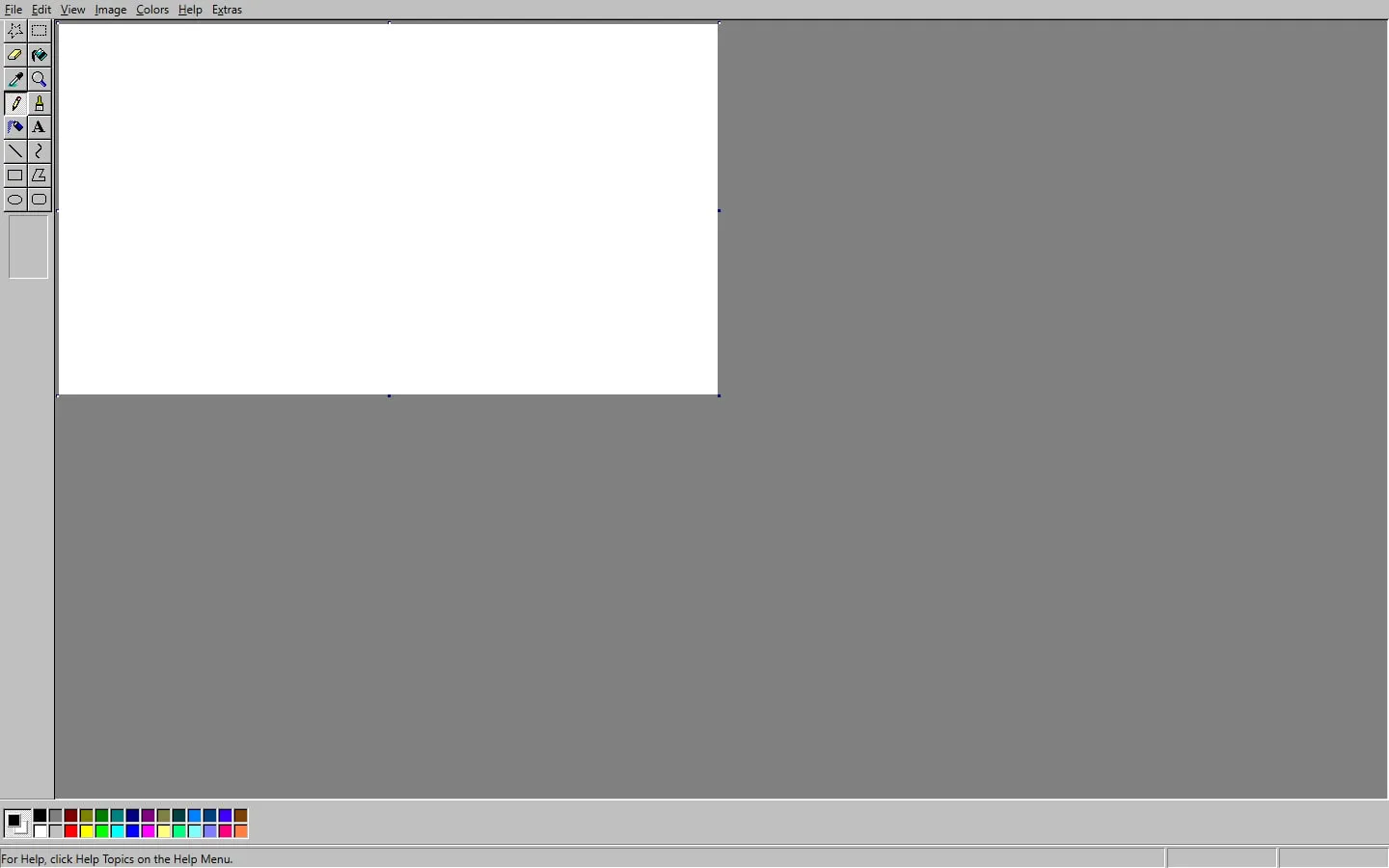
JS Paint recreates the directness of classic Microsoft Paint while adding practical modern features. Open an image, crop or annotate it, work with familiar bitmap tools and save the result without waiting for a large graphics application to launch.
Useful, not just decorative
The pencil, brushes, shapes, selection tools, text and colour controls work as a real editor. Drag in or open an image when you need a quick crop, markup or conversion rather than starting from an empty canvas.
Extra browser features
Beyond the familiar surface, the project supports undo history, transparency-aware workflows and additional view options. Explore the menus rather than assuming the recreation stops at the original feature set.
Save the result
Export a file when the edit matters and keep the original separately. Like other browser editors, JS Paint is convenient for temporary work but a tab should not be treated as the only durable copy.
Things to know
- Bitmap editing is less flexible than a layer-based graphics application.
- The windowed interface becomes crowded on phones.
- Browser state is not a substitute for exporting a file.