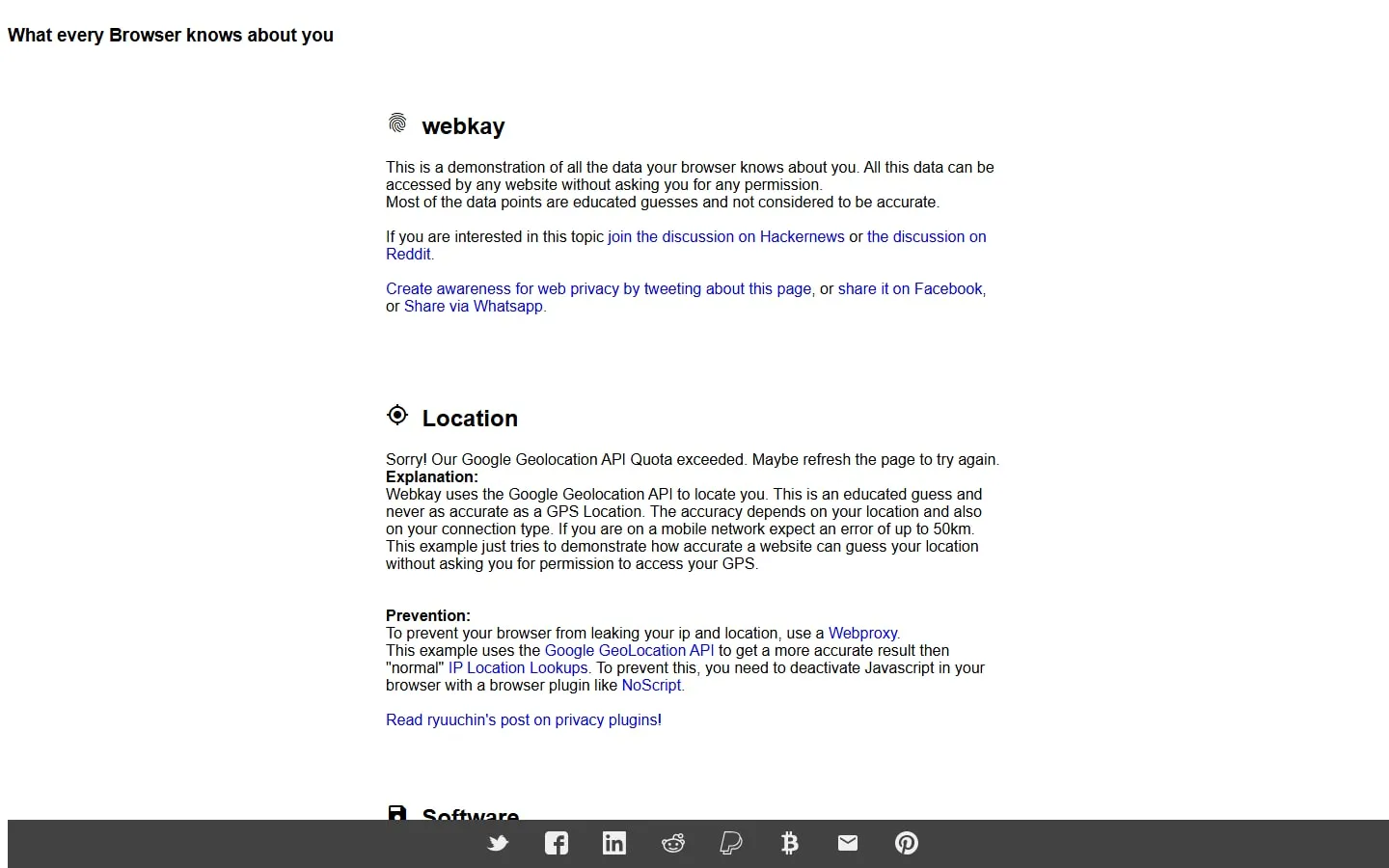
webkay demonstrates browser-visible information such as software, screen characteristics, network clues and approximate location. It makes a useful privacy lesson because the results appear without a conventional account or form.
Read the explanation beside each result
The value of the page is not the headline data alone. Sections explain how a website can obtain or infer a signal and suggest browser settings or tools that may reduce exposure.
Separate facts from guesses
The author warns that many displayed points are educated guesses rather than accurate facts. Approximate location, device type and network details can be wrong, especially behind relays, corporate networks or privacy tools.
Use it as a prompt
A single demonstration is not a complete fingerprinting audit. Use it to review permissions, browser privacy controls and what you share, then consult current browser documentation for protections that have changed since the page was built.
Things to know
- Many results are estimates and may be inaccurate.
- Some third-party integrations currently return errors or quota messages.
- The page is an awareness demo, not a complete privacy test.