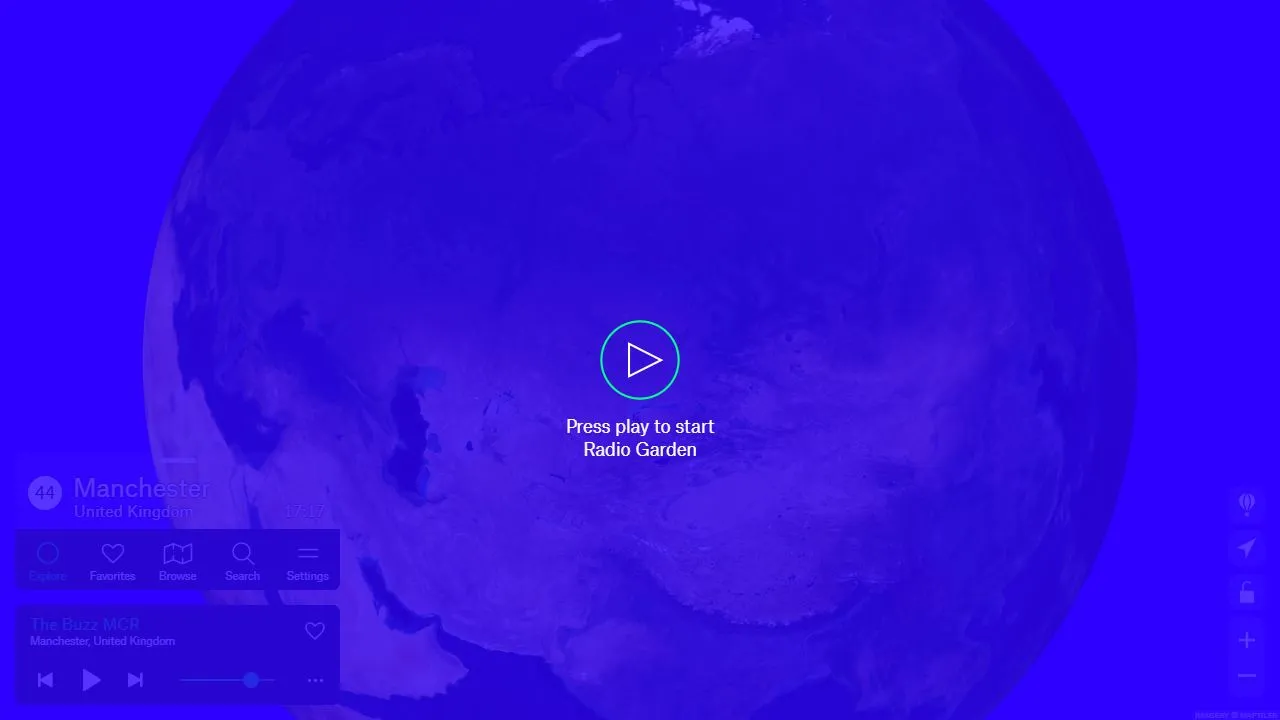
Radio Garden puts thousands of live stations on an interactive map. It is useful as a radio player, but the real appeal is being able to move from a familiar city to somewhere you know nothing about in seconds.
What it does
Radio Garden turns the world into the interface. The main view is a rotatable globe covered in station markers. Move the crosshair over a city and a local stream begins playing; nearby stations remain available in a simple list.
There is also conventional search and browsing when you already know what you want. Favourites let you build a personal station list, while the geographic view is what makes the site different from a normal radio directory.
Why it is useful
Most music services start from your existing taste and attempt to refine it. Radio Garden starts from a location. That small change makes it much easier to hear unfamiliar languages, local news, regional music and the ordinary texture of radio elsewhere.
It works particularly well as background audio because a station keeps playing while you continue moving around the map. You can explore without repeatedly stopping to make another choice.
How to start
Press play, drag the globe away from your current location and pick a marker somewhere you have never visited. If a station is not for you, try another in the same area before moving on; the contrast between nearby broadcasts is often more interesting than jumping between continents.
Things to know
- Station availability varies by country and licensing region.
- Streams occasionally disappear or change without notice.
- The map is better for discovery than precise station research.