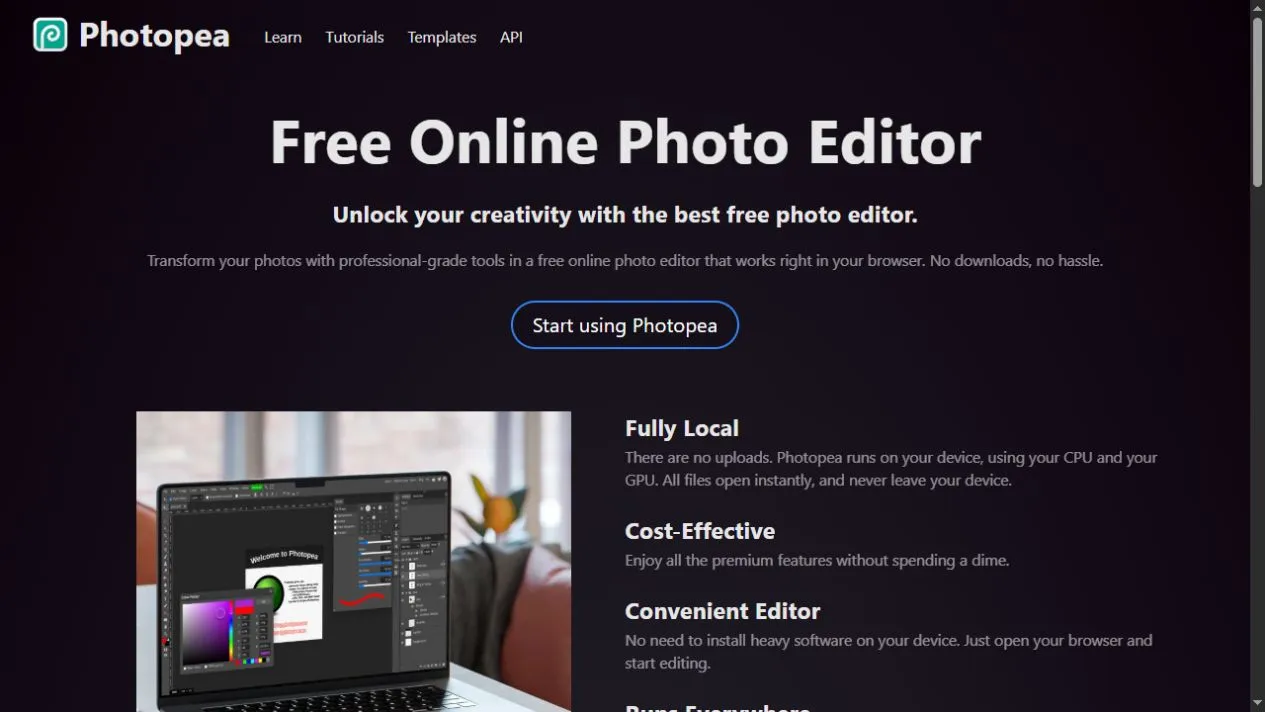
Photopea handles PSD, XCF, Sketch, SVG and common image formats in a desktop-style editor. Layers, masks, selections, smart objects and export tools make it useful for serious edits when installed software is unavailable.
What it can do
The interface follows familiar professional image-editing conventions, including adjustment layers, blend modes, vector shapes, text tools and multiple documents. Files are processed in the browser rather than uploaded for routine editing.
Why it is useful
Photopea is valuable as a compatibility tool as much as an editor. It can inspect or convert a file when the original application is missing, and it works from a URL on locked-down or temporary machines.
How to start
Open a copy of the file, check that fonts and smart objects survived correctly, then save a Photopea PSD before making extensive changes. Browser storage is not a substitute for a proper project backup.
Things to know
- The dense interface is awkward on small screens.
- Ads occupy workspace in the free version.
- Complex files can exhaust browser memory.