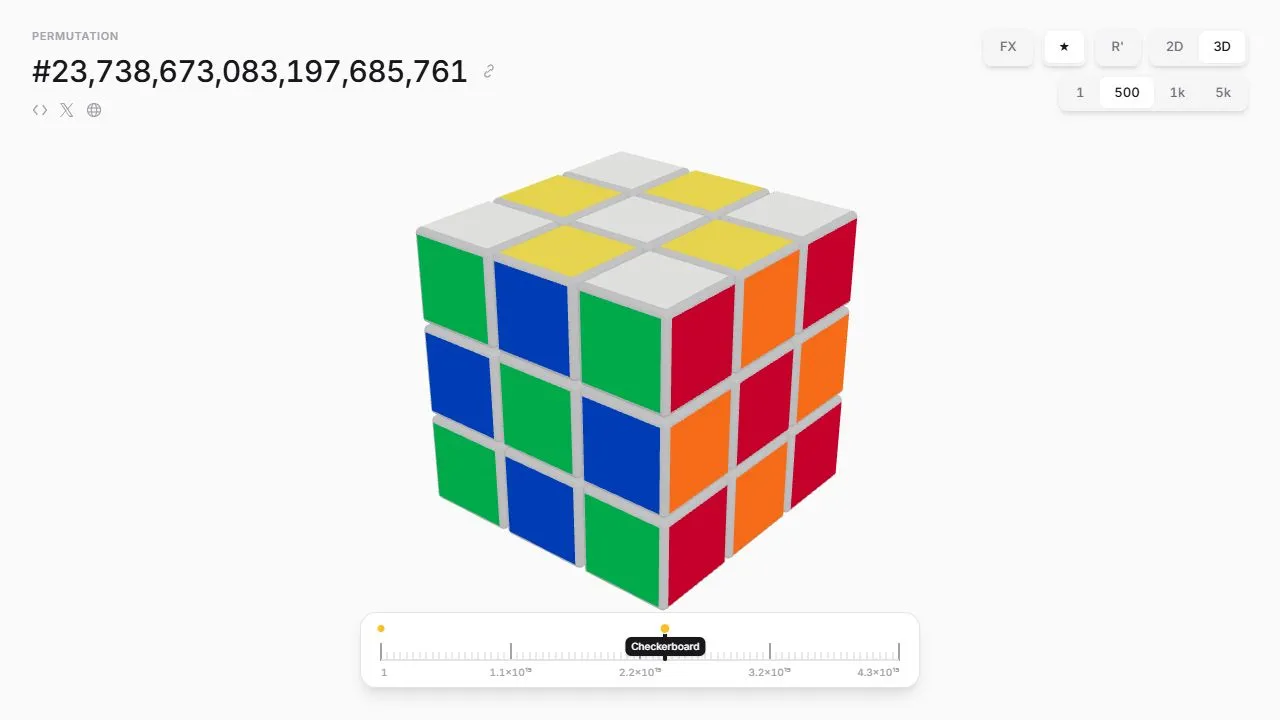
Every Cube gives cube configurations a numerical address and lets you move through them with a slider or scroll wheel. Switch between a flat layout and a three-dimensional cube, or jump straight to patterns such as Checkerboard and Superflip.
Navigating configurations
The permutation number identifies the current arrangement. The scroll-step controls change how far you move with each notch, while the slider lets you jump across a much larger range.
Recognisable starting points
Try Checkerboard or Superflip before wandering randomly. The 2D and 3D views show the same configuration differently, helping you inspect stickers that would otherwise be hidden.
What this is not
This is a configuration explorer rather than a beginner’s solving course. Adjacent numerical positions should not be treated as a sequence of legal solving moves. A share control lets you return to a particular arrangement.
Things to know
- The enormous index is difficult to navigate precisely with a slider.
- Cube-solving knowledge helps interpret unusual arrangements.
- Animated effects may be distracting.