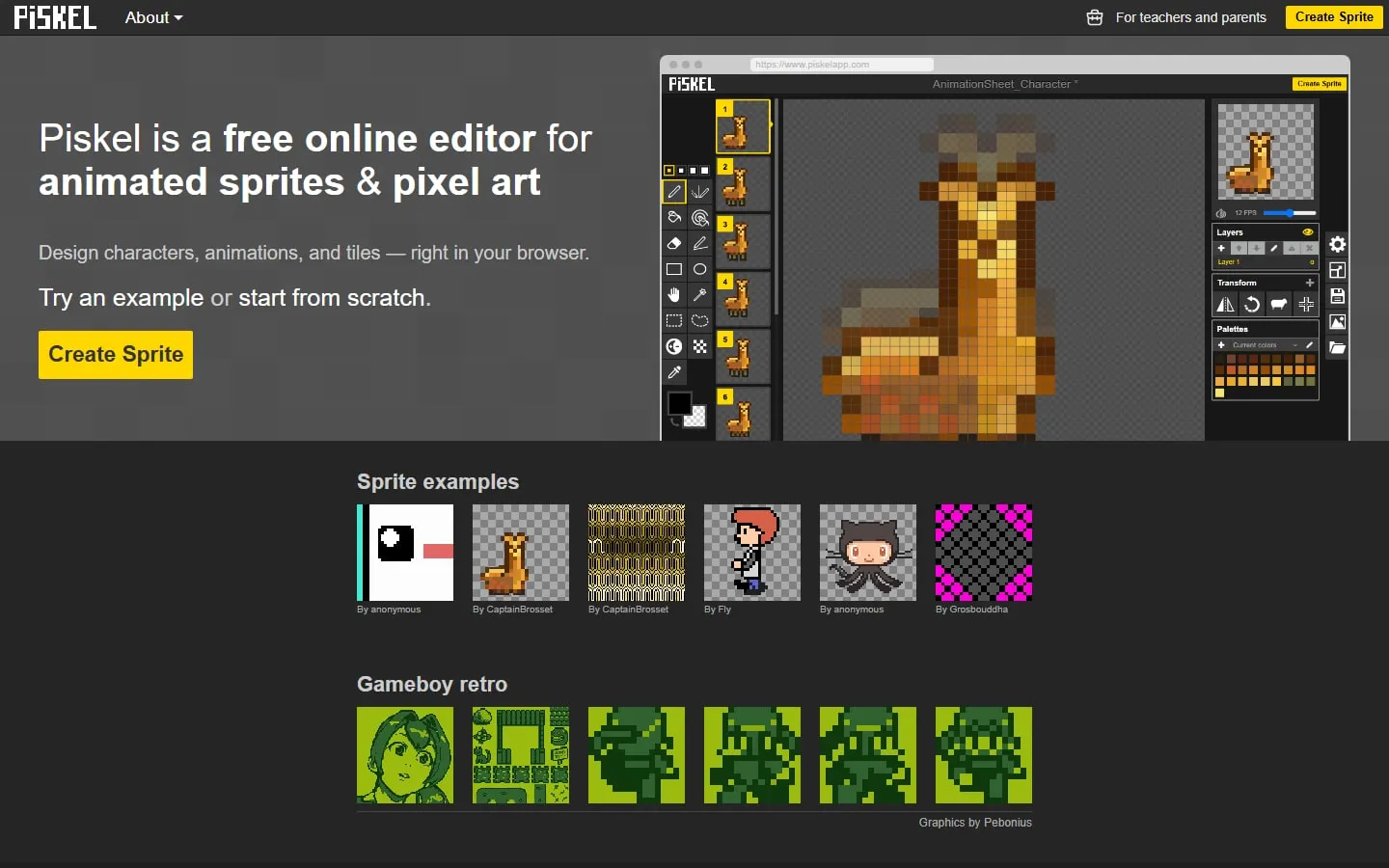
Piskel provides a compact pixel editor with frames, layers, palettes and a live animation preview. It is built for sprites rather than general illustration, which keeps the controls focused and makes a small game asset easy to begin.
Starting a sprite
Create a blank sprite, choose a canvas size and draw with the pixel tools. Duplicate a frame before making a small change, then use the live preview to judge the speed and readability of the animation.
Layers and exports
Layers separate parts that need independent edits, while palette controls help keep colours consistent. Export options include animated GIFs, PNG files and sprite sheets for use in another project.
Work locally
The editor can be used without creating an account, and offline desktop versions are linked from the project. Save or export deliberately rather than assuming a browser tab is permanent storage.
Things to know
- The interface is cramped on phones.
- Browser storage can be cleared or lost.
- Advanced illustration and timeline tools are intentionally limited.