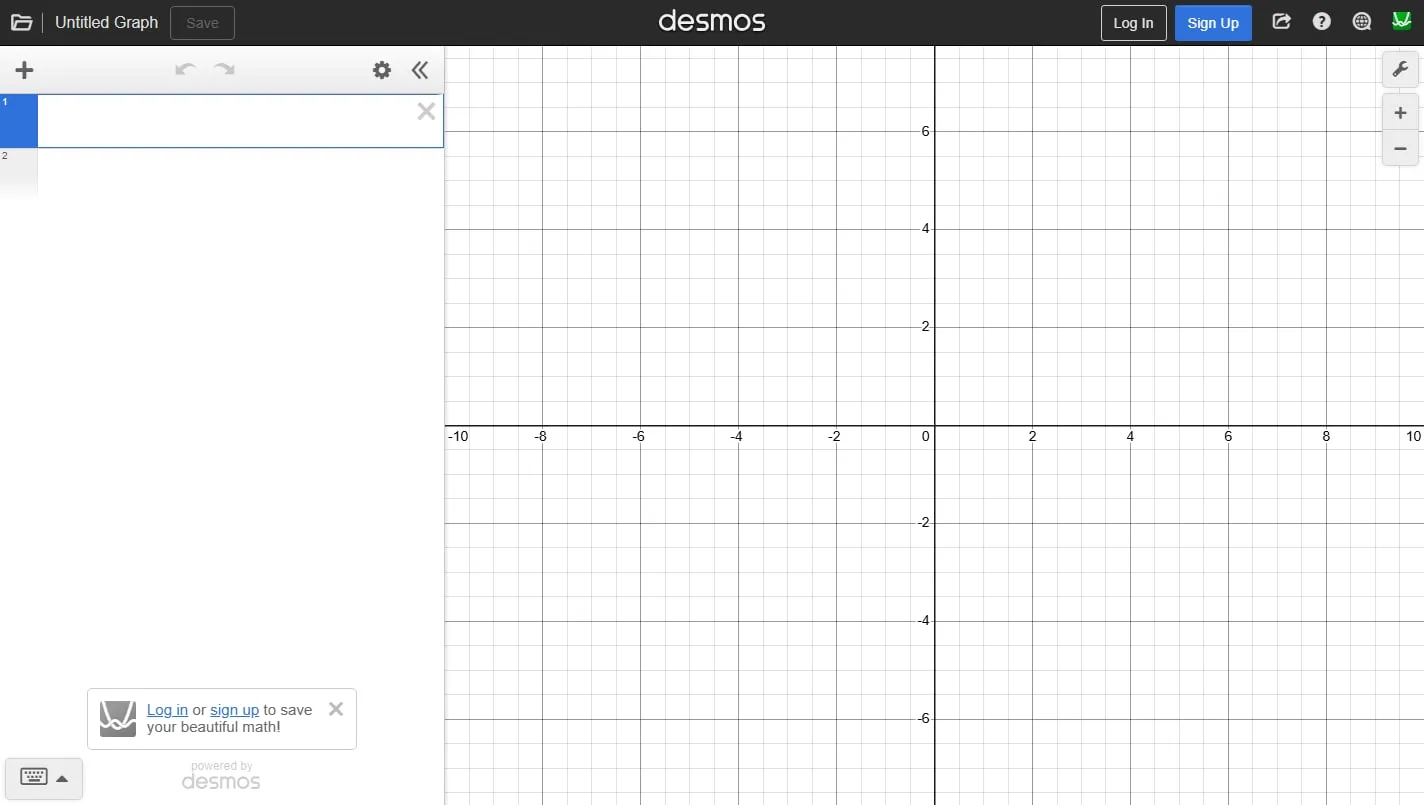
The Desmos Graphing Calculator makes functions, points, tables, inequalities and regressions immediately visible. Sliders let you change a parameter continuously, making it particularly useful for testing mathematical ideas rather than drawing one finished graph.
Move from expression to picture
Type an equation or set of points and the graph updates as you work. Intersections and notable values can be inspected directly, while the expression list keeps several related functions visible without requiring repeated calculator menus.
Change parameters deliberately
Use a slider for one coefficient and predict the effect before dragging it. Watching a family of curves move is a powerful way to understand scale, translation and rate of change, especially when the axes remain fixed for comparison.
Build small mathematical models
Tables, restrictions and regression tools allow the calculator to handle more than textbook sketches. Keep units and domain assumptions written beside the graph so an attractive fit is not mistaken for a complete explanation of real data.
Things to know
- It is a mathematical tool rather than a structured course.
- Saving and organising graphs requires an account.
- Automatic plotting can hide poor choices of scale, domain or modelling assumptions.