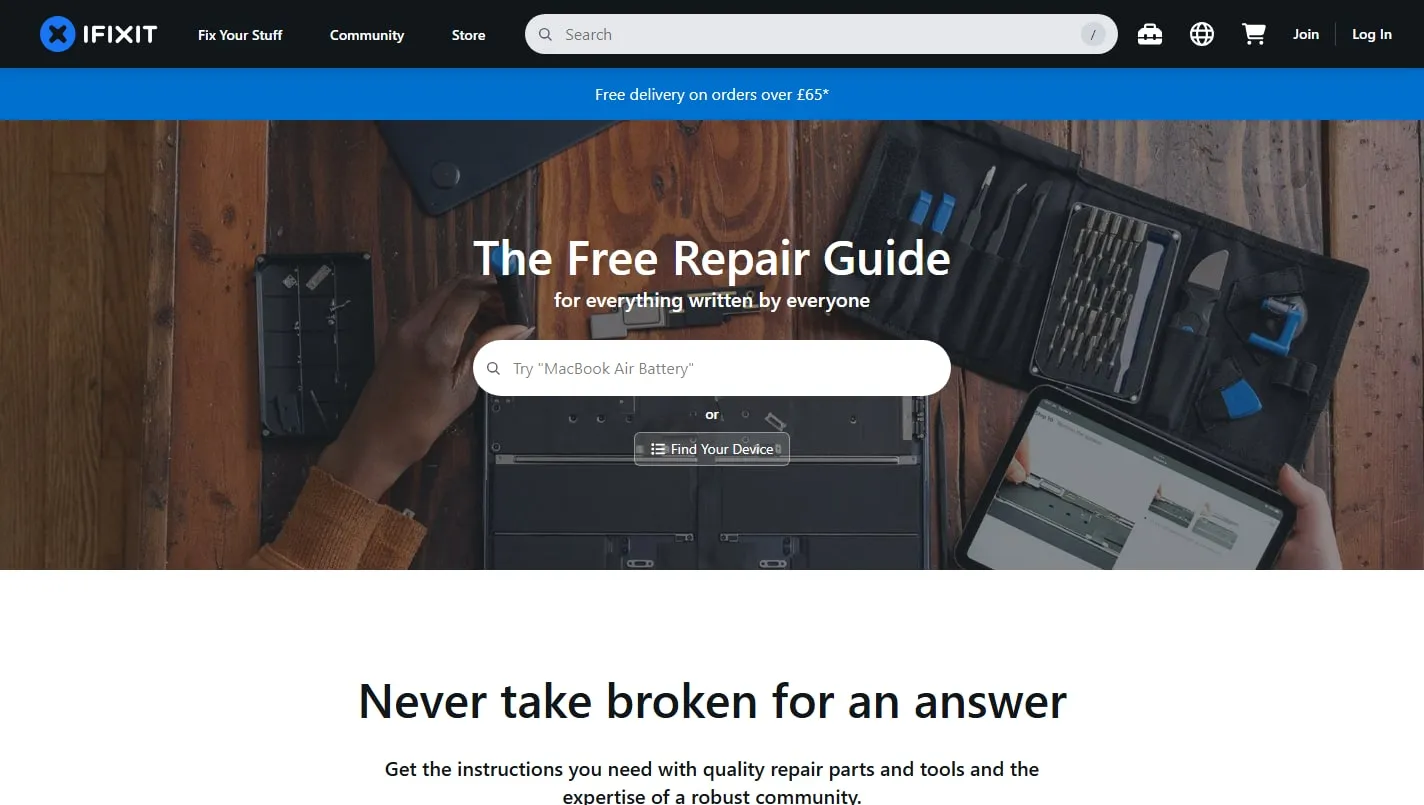
iFixit is a vast community-written repair manual with step-by-step photographs, parts lists, difficulty ratings and safety warnings. It can take you from identifying a device to replacing a failed component without pretending every repair is simple.
Identify the exact device
Search by model number rather than appearance alone, then compare photographs, ports and internal layout before following a guide. Similar product names can conceal important changes in fasteners, batteries and cable placement.
Read before removing anything
Check the difficulty, tools, warnings and every step before starting. A later instruction may require a replacement adhesive, specialist driver or delicate operation that changes whether the repair is sensible with the equipment you have.
Use the community carefully
Comments and answers can clarify a confusing step or reveal a model variation, while teardowns explain construction without necessarily being reassembly guides. Prefer well-documented instructions and stop when damage or personal safety becomes uncertain.
Things to know
- Guide coverage and quality vary by device and contributor.
- Opening a product can create safety risks or affect a warranty.
- Parts availability, prices and shipping differ substantially by region.