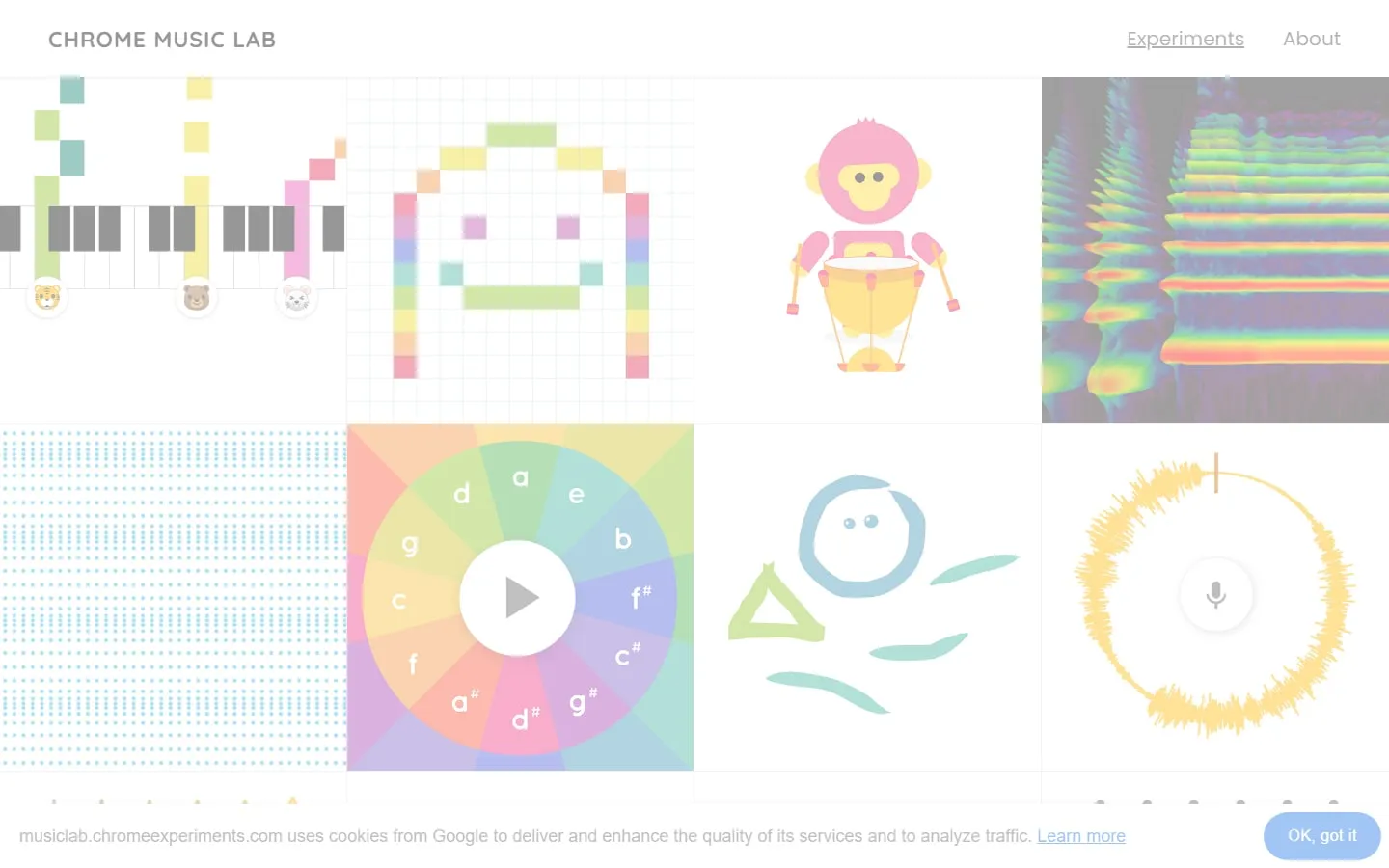
Chrome Music Lab collects colourful, single-purpose experiments for making and seeing music. Draw a melody, build a rhythm, inspect sound waves or turn a recorded sound into a picture without installing specialist software.
Choose a small experiment
Each tile opens a self-contained activity, so there is no course sequence to complete. Rhythm, Song Maker and Kandinsky are approachable starting points; Oscillators and Spectrogram make sound structure more visible.
Make something shareable
Song Maker provides a grid for melody and percussion, playback controls and a share option. It works well for a quick sketch or classroom prompt without asking learners to understand a full digital audio workstation.
Permissions stay optional
Some activities can use a microphone to visualise or transform a sound. The collection still has plenty to explore without granting microphone access, and browser permissions can be withdrawn afterwards.
Things to know
- The experiments are introductions, not a complete music course.
- Saving and export options vary between activities.
- Microphone-based tools depend on device permissions and audio quality.