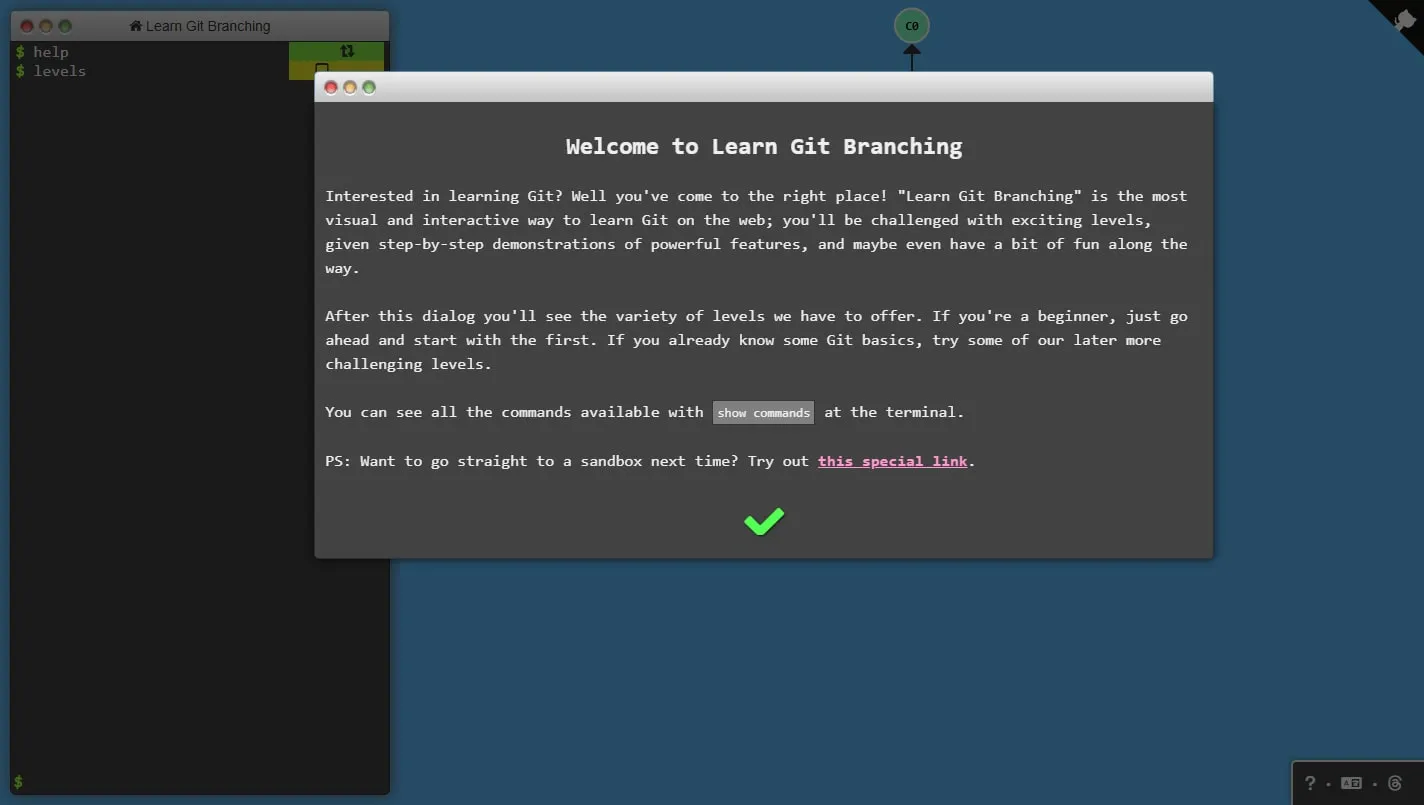
Learn Git Branching turns commits, branches, rebases and remote operations into an interactive diagram. You type real-looking commands in a sandbox, watch the graph update and solve a sequence of increasingly involved version-control exercises.
See the model behind the command
The terminal and commit tree update together, so commands such as branch, checkout, merge and rebase stop feeling like unexplained incantations. The animation shows which reference moved and what happened to the shape of history.
Work through the levels
Begin with the introductory sequence even if you already use Git. Later challenges cover relative references, selective commits and remote workflows, and they make more sense once the site’s visual vocabulary has become familiar.
Experiment without consequences
The sandbox is useful for testing a command you would hesitate to run in a real repository. Try several approaches, reset the level and compare the resulting graph before carrying the idea into work that contains files and collaborators.
Things to know
- The simulator covers a useful subset of Git rather than every command and edge case.
- It cannot reproduce the messiness of conflicts in real project files.
- The graph and terminal are cramped on phones and small tablets.